
Selecting the right office printer is a pivotal decision that directly impacts workflow efficiency, document quality, and your bottom line. With so many models and features on the market, making the best choice starts with understanding your unique operational needs and business goals. For example, businesses in regions like Denver can find tailored solutions by consulting specialists in local office technology, such as copiers Denver, who can help you navigate the broad range of available printers and copiers.
Whether your organization handles large volumes of documents daily or needs reliable color prints for client presentations, assessing what your office prints and how often it does so will guide you in choosing the most suitable device. It’s equally important to weigh costs, connectivity, and security features to support day-to-day convenience and long-term productivity.
Assess Your Printing Needs
The first step to choosing the right printer is evaluating your office’s printing habits. Consider the average monthly print volume and what types of documents your business produces most — for instance, simple black-and-white reports, high-resolution photos, marketing collateral, or a diverse mix. Offices with heavy-duty printing demands should focus on robust machines with high monthly duty cycles and faster speeds. At the same time, businesses with less frequent needs can explore more compact and economical solutions.
Another important factor is the kind of print quality you require. High-resolution color output is necessary for organizations that rely on impressive visual presentations, while crisp, clear text is generally sufficient for everyday internal documents. Carefully consider these details to narrow your options before investing in a machine that suits your primary operations.
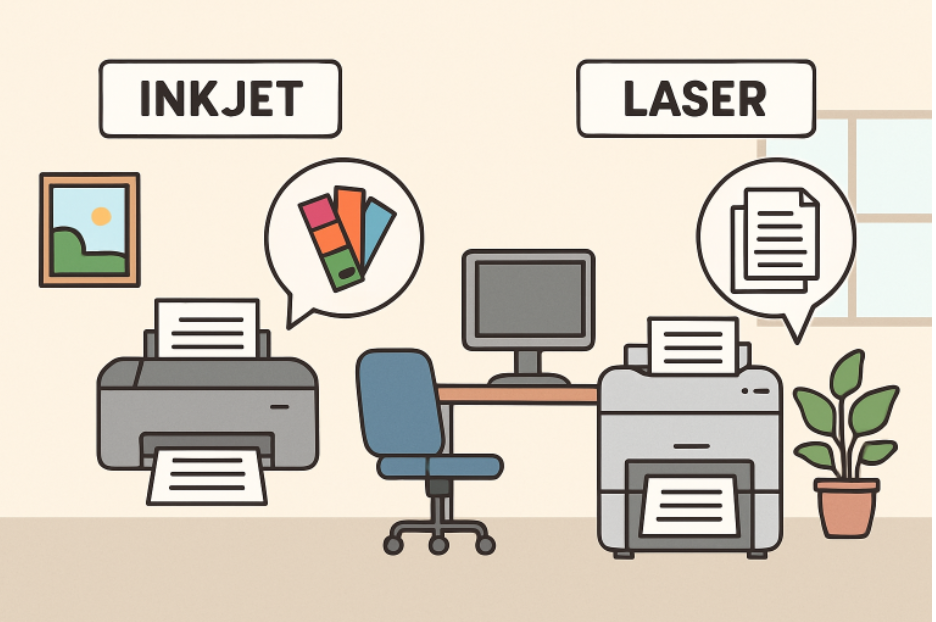
 Inkjet vs. Laser Printers
The choice between inkjet and laser printers is one of the most fundamental decisions for any business:
- Inkjet Printers: Excellent for businesses needing vibrant colors, detailed images, and occasional photo prints. Because of their generally lower upfront cost, inkjet models are often preferable for smaller operations or teams needing flexibility for varied print jobs. However, be aware of higher per-page ink costs over time.
- Laser Printers: Best suited for organizations with high-volume printing, especially if most documents are text-heavy. Laser printers offer faster speeds and a lower cost per page, making them ideal for busy offices concerned about long-term expenses and efficiency.
Multifunction Capabilities
Multifunction printers (MFPs), which combine printing, scanning, copying, and often faxing in one device, can streamline workflows and reduce the need for multiple office equipment. Having all these capabilities in a single unit saves space and can lower overall maintenance and supply costs.
MFPs are particularly valuable for teams that regularly scan and share documents or need occasional copying and faxing without the expense of managing separate machines. However, a single-function printer may be more practical and cost-effective if your organization rarely uses these extra features.
Connectivity Options
Today’s office printers offer a range of connectivity features designed to support flexible workplaces and a variety of devices:
- Wireless Connectivity: This feature connects your printer to multiple devices throughout the office without cumbersome cords, supporting a dynamic or open workspace.
- Mobile Printing: Allows employees to print directly from smartphones and tablets, an increasingly necessary function as mobile work trends grow.
- Cloud Integration: This feature lets employees send documents straight to the printer from major cloud services, speeding up printing for remote and hybrid teams.
Ensure that any device you consider supports the essential connectivity options your business relies on for daily operations.
Security Features
With printers often handling confidential data—from HR paperwork to proprietary business contracts—security has become non-negotiable for businesses of all sizes. Seek printers with user authentication, data encryption, and secure print release. These features help prevent unauthorized access and keep your sensitive data safe from breaches. For businesses in regulated industries, robust print security measures are not just best practice—they’re a compliance necessity.
Total Cost of Ownership
Thinking beyond the sticker price is vital when selecting your office printer. Evaluate these core components of total cost of ownership (TCO):
- Consumables: Factor in ongoing costs for ink or toner, paper, and other specialty supplies.
- Maintenance: Look into expected expenses for repairs, replacement parts, and periodic servicing agreements.
- Energy Consumption: Choose models recognized for energy efficiency (look for ENERGY STAR ratings) to minimize utility bills through consistent use.
Accounting for these recurrent costs gives you a clearer picture of each printer’s true cost over its operational life.
Environmental Considerations
Many modern printers are designed with sustainability in mind, incorporating features that help cut waste and reduce your office’s environmental impact. Look for models offering automatic duplex (double-sided printing), energy-saving modes, and recycled or recyclable cartridges. Some manufacturers also provide collection and recycling programs for used supplies, a benefit for companies with eco-friendly initiatives.
Final Thoughts
Choosing the right office printer goes beyond the latest specs and sleekest designs. By focusing on your business’s specific workflow, print quality needs, cost considerations, and security priorities, you lay the foundation for a more efficient, cost-effective, and secure workspace. Assess your requirements, compare carefully, and select a printer that will support your business growth for years.